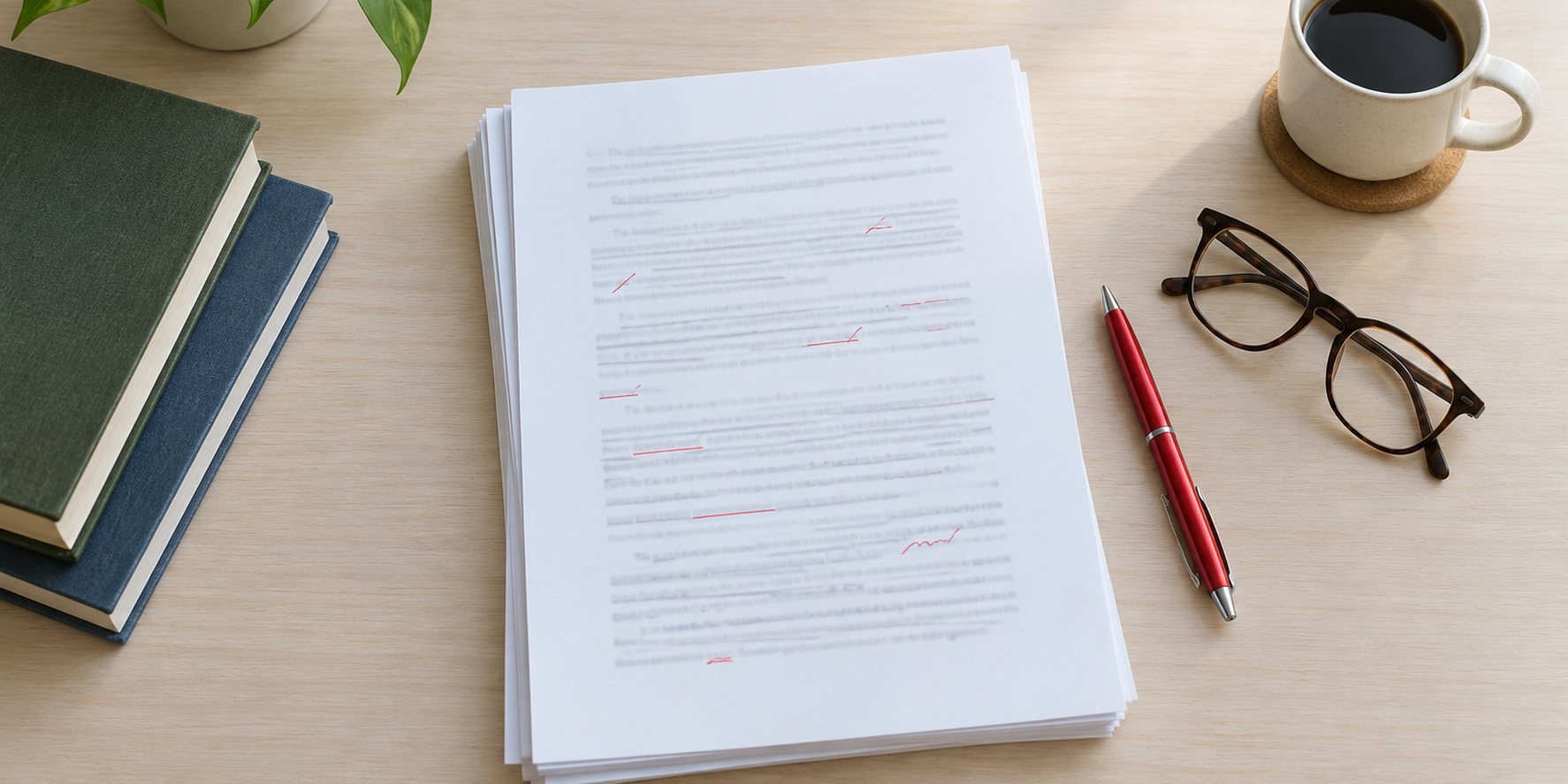
Standard book manuscript format means a plain, easy-to-edit document: 12-point Times New Roman (or a similar serif font), double-spaced lines, 1-inch margins on all sides, left-aligned text with a ragged right edge, and a half-inch first-line indent on each paragraph. Each page carries a header with your surname, a short title and the page number, each chapter starts on a new page, and scene breaks are marked with a centred # symbol. Always follow a specific agent’s or publisher’s guidelines if they differ.
This guide includes a few product links near the end. As an Amazon Associate, Freyja Publishing earns from qualifying purchases, at no extra cost to you.
This guide spells out every element of novel manuscript format, gives you a setup checklist you can apply in Word or Google Docs in a few minutes, and explains the difference between a submission manuscript and the master file you need to self-publish, including how to convert one into the other.
At a glance
- A manuscript is a working document for agents and editors, not a designed book; plain and consistent beats pretty.
- The core settings are 12 pt Times New Roman, double spacing, 1-inch margins, ragged right and half-inch indents.
- A novel manuscript needs a title page with contact details, title, byline and an approximate word count.
- Use your software’s paragraph settings for indents and page breaks, never tabs, spaces or repeated returns.
- A self-publishing master file is a different thing: it is set up for a trim size or an ebook, and built from a clean manuscript.
What is a manuscript?
A manuscript is the author’s text of a book before it is designed and published. The word originally meant a handwritten document; today it means the word-processed file you send to an agent, editor or publisher, or the clean source file you later turn into an ebook and paperback.
The reason standard manuscript format exists is practical. Agents and editors read hundreds of submissions and mark them up on screen or on paper. A familiar layout lets them judge the writing instead of the formatting, estimate length at a glance and make notes in the white space. It also signals that you have done your homework.
The standard novel manuscript format, element by element
The specifications below follow the widely used Proper Manuscript Format guide by William Shunn, along with conventions common to publisher and university press manuscript guidelines, such as the University of Pittsburgh Press preparation guidelines. Where a publisher gives its own instructions, those win.
| Element | Standard setting | Why it matters |
|---|---|---|
| Font | Times New Roman 12 pt, black (Courier New is accepted by some but increasingly old-fashioned) | Familiar and easy to read; makes length easy to judge |
| Line spacing | Double-spaced throughout | Leaves room for editing marks |
| Margins | 1 inch (2.54 cm) on all sides | Standard space for notes |
| Alignment | Left-aligned, ragged right; no full justification | Avoids uneven word spacing |
| Paragraphs | First-line indent of 0.5 inch, no extra space between paragraphs | Clean, consistent paragraph breaks |
| Spaces after full stops | One | Two spaces is a typewriter habit |
| Emphasis | Italics (underline only if a publisher asks for it) | Italics carry straight into typesetting |
| Header | Surname / Short Title / page number, top right, from the first page of text | Keeps loose or printed pages in order |
| Chapters | Each starts on a new page, with the chapter heading at or near the top | Clear structure for editors |
| Scene breaks | A centred # on its own line | A blank line can vanish when files are converted |
| Word count | Approximate, on the title page (for example “about 85,000 words”) | Tells the reader the length at once |
| File type | .docx unless the guidelines say otherwise | Opens everywhere and supports tracked changes |
The title page
A novel manuscript has a separate title page. In Shunn’s novel format, the top-left corner carries your legal name and contact details (postal address, phone and email), and the centre of the page carries the title, a byline such as “A Novel by” followed by the name you publish under, and an approximate word count. If you write under a pen name, the legal name goes in the contact block and the pen name goes in the byline, so the publisher knows whom to pay and how to credit you.
Shunn’s guide rounds short story word counts to the nearest hundred; for a novel, a round figure such as “about 92,000 words” is normal. The title page itself is not numbered: page 1 is the first page of text.
The header and page numbers
Put the header in the top-right corner of every page after the title page, flush right, in the same font. The usual pattern is surname, one or two key words from the title, and the page number, for example: Lennox / Harbour / 47. Use your software’s header and page number fields so numbering updates automatically.
Chapters and scene breaks
Insert a page break (not a string of returns) before each chapter. Put the chapter number and any chapter title on the first line or a few lines down, then start the text. For scene breaks within a chapter, centre a single # on its own line. However you treat the first paragraph after a chapter heading or scene break, treat it the same way throughout.
How to set up manuscript format in Word or Google Docs
You can build a reusable template once and use it for every book. These steps work in Microsoft Word and translate directly to Google Docs.
- Set the page. Choose Letter (US) or A4 (most other countries) paper and set all four margins to 1 inch or 2.54 cm.
- Edit the Normal style. Set the font to Times New Roman 12 pt, line spacing to double, spacing before and after to 0, first-line indent to 0.5 inch (1.27 cm) and alignment to left.
- Turn off automatic hyphenation and any setting that adds space between paragraphs.
- Create a heading style for chapters (centred, same font, no indent) so every chapter heading matches and a table of contents can be generated later. Some presses, such as the University of Pittsburgh Press, ask authors not to use Word styles and to mark heading levels with codes instead, so check before you submit.
- Add the header. Insert surname / short title and a page number field, flush right, and tick “different first page” so the title page stays clear.
- Build the title page. Contact block top left, then title, byline and word count centred about halfway down.
- Insert page breaks between chapters using Insert > Page break (Ctrl+Enter or Cmd+Enter).
- Clean the text. Use find and replace to remove double spaces, tab characters at the start of paragraphs and empty lines used for spacing.
- Save as a template. In Word, save as a .dotx template; in Google Docs, keep a master copy named “Manuscript template” and use File > Make a copy for each book.
- Export as .docx for submissions unless a publisher asks for PDF.
Submission manuscript vs self-publishing master file
This is where many self-publishers go wrong. A submission manuscript is designed to be read and edited by professionals. A self-publishing master file is the clean source you turn into a finished ebook and print book. They share the same words but very different settings.
| Feature | Submission manuscript | Self-publishing master file |
|---|---|---|
| Audience | Agents, editors, publishers | Formatting software, then readers |
| Page size | Letter or A4 | Your print trim size, for example 5.5 x 8.5 or 6 x 9 inches; ebooks have no fixed page |
| Spacing | Double | Single or book-style spacing |
| Font | Times New Roman 12 pt | A book typeface chosen for print; ebooks largely use the reader’s settings |
| Alignment | Ragged right | Usually justified in print |
| Header | Surname / title / page | Running heads with title and author, page numbers in the footer or header |
| Front matter | Title page only | Title page, copyright page, contents, dedication and so on |
| Scene breaks | Centred # | A designed ornament or centred symbol |
| File delivered | .docx | Print-ready PDF for paperback; .docx, EPUB or KPF for Kindle ebooks |
How to convert a submission manuscript into a master file
- Start from the final edited text. Accept or reject all tracked changes and delete comments. Our guides to self-editing and finding the right editor cover getting it to that point.
- Remove manuscript-only elements. Delete the submission title page, word count and surname header.
- Check styles, not appearance. Make sure every chapter heading uses the same heading style and body text uses one paragraph style. Formatting tools rely on these to build chapters and contents.
- Replace # scene breaks with whatever your formatting tool expects, or leave them as a consistent marker to convert.
- Add book front and back matter: copyright page, contents, dedication, acknowledgements, an about the author page and links to your other books where allowed.
- Import into your formatting tool or set the trim size, margins and fonts yourself. Our comparison of Atticus, Vellum and Kindle Create explains the main options.
- Export the right files: a print-ready PDF with embedded fonts for the paperback, and an ebook file for Kindle and other stores. Our guide to ebook formatting covers the finished digital file in detail.
- Proof everything. Review the ebook in Kindle Previewer and order a printed proof of the paperback.
What KDP expects from a print or ebook file
Amazon KDP’s manuscript help pages give a sense of how different a master file is from a submission draft. KDP offers free Word templates for paperbacks and hardcovers, either blank (with page size and margins already set) or with sample front matter and chapters. It recommends uploading the print interior as a PDF with embedded fonts, using images of at least 300 DPI, keeping text at no smaller than 7 point and removing all template placeholder text, because leftover sample text can cause the file to be rejected in review. KDP’s Word guidance uses a first-line indent of 0.2 inch for print body text, far smaller than the 0.5 inch of a manuscript, and requires a table of contents in every Kindle ebook.
For ebooks, KDP lists Word (.doc or .docx), EPUB and Kindle Package Format (KPF, produced by Kindle Create) among its suggested upload formats, and recommends checking EPUB files in Kindle Previewer before uploading.
Who needs which format
- Querying literary agents: standard manuscript format, plus each agent’s own rules on sample pages, synopsis and file type. Our guide on how to get a literary agent covers the full query package.
- Submitting directly to publishers or competitions: standard format unless their guidelines differ; competitions often require the author’s name to be removed for anonymous judging.
- Working with a freelance editor: standard format makes editing and tracked changes easier and helps the editor quote accurately by word count.
- Self-publishing: write and edit in manuscript format, then build a separate master file for publication.
Common mistakes
- Using tabs or spaces for indents. They break when files are converted. Set the indent in the paragraph settings.
- Pressing Enter repeatedly to start a new page. Any later edit pushes the chapter heading down the page. Use a page break.
- Using a decorative font. It looks like a book but makes an agent’s job harder. Keep the manuscript plain.
- Full justification. It creates uneven gaps between words in a double-spaced manuscript.
- Blank lines for scene breaks. They can disappear at a page end or in conversion, merging two scenes. Use #.
- Exact word counts on the title page. “About 87,000 words” is standard; a figure to the single word looks amateurish.
- Uploading the submission file to KDP. A double-spaced Letter or A4 manuscript will print as a double-spaced book at the wrong size. Build a proper master file first.
- Ignoring the guidelines in front of you. If an agent asks for 1.5 spacing or a PDF, do exactly that.
Sources this guide draws on: William Shunn’s Proper Manuscript Format (novel and modern short story editions); University of Pittsburgh Press final manuscript preparation guidelines; Amazon KDP help pages on paperback manuscript templates, formatting a paperback in Word and supported ebook formats.
Writer’s toolkit for this guide
Books and tools we rate for this stage of writing and publishing. As an Amazon Associate, Freyja Publishing earns from qualifying purchases, at no extra cost to you. Prices and availability are set by Amazon and may vary by country.
- Amazon Kindle Paperwhite (16 GB)
Check how your ebook really looks on the device most readers use.
View on Amazon - Nulaxy Adjustable Laptop Stand
Raises your screen to eye level for long writing sessions.
View on Amazon - LEUCHTTURM1917 A5 Hardcover Notebook
Numbered pages and an index, handy for plot notes and research.
View on Amazon
Frequently asked questions
What font should a book manuscript be in?
Times New Roman at 12 point is the safest choice and the most widely expected. Some writers still use Courier New, a monospaced font, but it is increasingly seen as old-fashioned in fiction. Avoid sans-serif and decorative fonts unless a publisher asks for them.
Should a manuscript be double-spaced?
Yes. Standard manuscript format is double-spaced throughout, with no extra space between paragraphs. A few agents accept 1.5 spacing, so check each one’s guidelines.
How do you format a scene break in a manuscript?
Put a single # centred on its own line. It is unmistakable to an editor and survives file conversion, unlike a blank line. In the finished book, the # is usually replaced with a designed ornament.
Does a novel manuscript need a title page?
Yes. A novel manuscript has a separate title page with your legal name and contact details at the top left, and the title, byline and approximate word count in the centre. The title page is not numbered.
Can I use standard manuscript format to self-publish?
Not directly. It is the right format for writing and editing, but publishing needs a master file set to your trim size for print, or a clean ebook file. Write and edit in manuscript format, then convert, as set out above.
Should I use A4 or Letter paper?
Use the standard size where the agent or publisher is based: Letter in the United States and Canada, A4 in the UK, Australia and most other countries. The difference is small, and almost no one will reject a manuscript for it.
Set up your template once, keep the manuscript plain and consistent, and save the design decisions for your master file. That way the people reading your work see only the writing, and you have a clean source ready whenever you decide to publish.