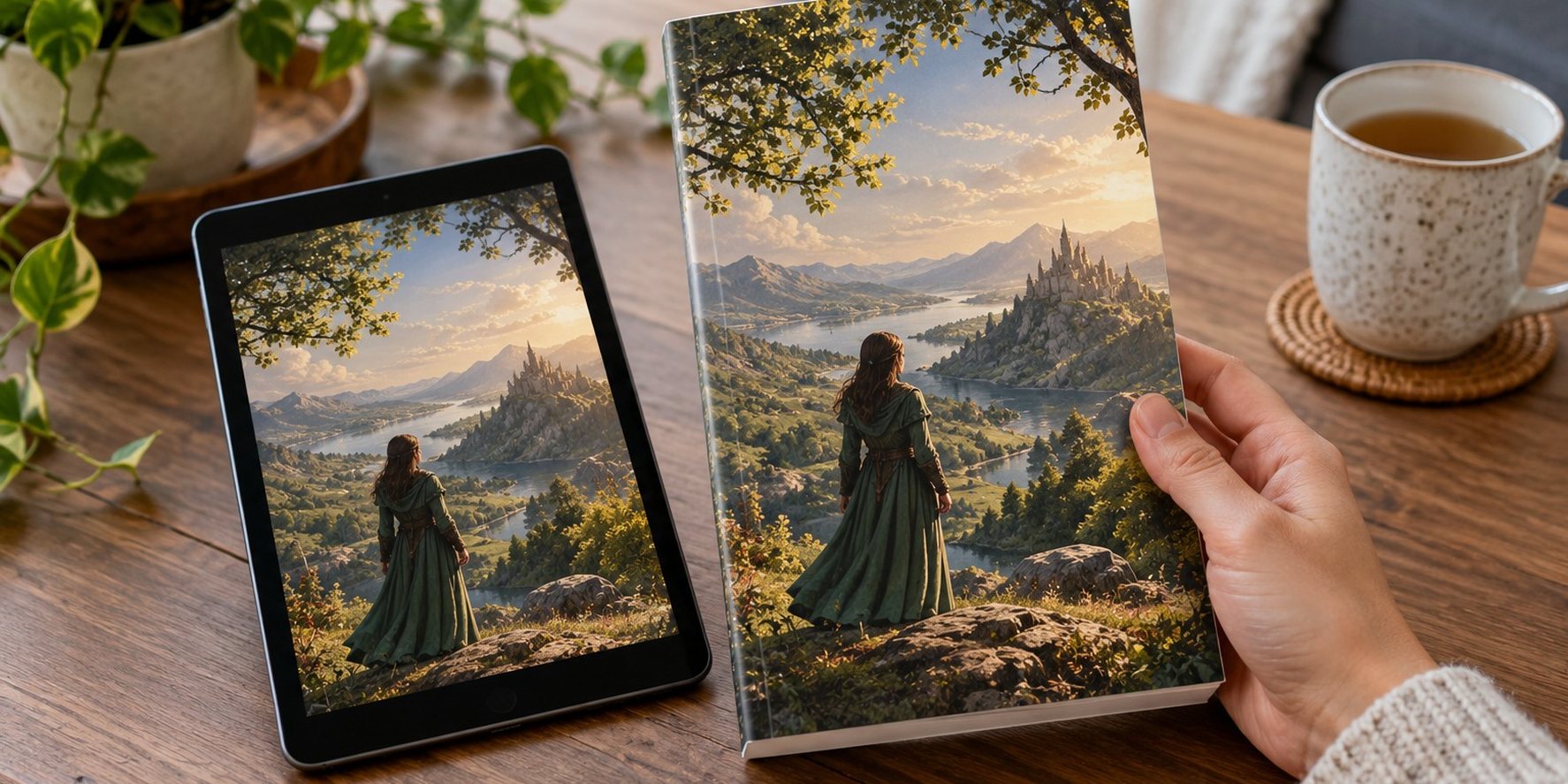
Adding a print-on-demand (POD) paperback to an ebook you have already published is usually worth it if the book has steady sales or sits in a series: there is no stock to buy, set-up on Amazon KDP is free, and each copy is printed only when a reader orders it. The catch is pricing. On Amazon.com a paperback listed under US$9.99 now earns a 50% royalty instead of 60%, before printing costs, so a cheap paperback can earn almost nothing per sale.
This guide includes a few product links near the end. As an Amazon Associate, Freyja Publishing earns from qualifying purchases, at no extra cost to you.
This guide is for authors who already have an ebook live and want to know whether to add a print edition, how to set one up step by step, how to price it so it earns money, and which mistakes cost authors the most. If you are still choosing between POD and a bulk print run, start with our POD versus traditional printing comparison; for a deeper look at earnings across formats, see how much authors really earn from print-on-demand.
At a glance
- Cost to list: KDP and IngramSpark both charge nothing to set up a title; your real costs are interior formatting, a full cover wrap and proof copies.
- Price threshold: on Amazon.com, list at US$9.99 or more to earn 60% (minus printing); at US$9.98 or less the rate drops to 50%. Other marketplaces have their own thresholds.
- Printing cost: a black-and-white paperback of 110–828 pages on Amazon.com costs US$1.00 plus US$0.012 per page to print at the time of writing (October 2026); prices change.
- Best fit: series, genre fiction readers who collect, gift-friendly non-fiction and books you want in libraries or shops.
- Always order a proof before you publish; screen previews miss margin, colour and spine problems.
Is a paperback worth adding to your ebook?
A paperback rarely outsells an ebook in genres where readers binge on Kindle, but it does three useful things. It earns on every copy without tying up money in stock. It gives readers who prefer print, or who want a gift, a way to buy. And it makes the book look complete: a product page that shows ebook, paperback and (later) audio formats signals a professional publisher.
It also opens doors that an ebook cannot. Libraries, schools, book clubs, local shops and in-person events all need physical copies, and you can order author copies at printing cost for signings or giveaways. Even if paperbacks are a small share of sales, they support the rest of your catalogue.
Who this suits, and who it doesn’t
| Situation | Add a POD paperback? | Why |
|---|---|---|
| Ebook with steady monthly sales | Yes | Some readers only buy print; set-up is free once the files are ready. |
| Series of three or more books | Yes, all of them | Collectors want matching spines; a missing volume frustrates buyers. |
| Practical or gift non-fiction | Yes | Readers like to annotate workbooks and give guides as presents. |
| Short book (under about 100 pages) | Think carefully | The flat minimum print charge eats into thin margins, and there is no spine text under 79 pages on KDP. |
| Full-colour or very long book | Run the numbers first | Colour and high page counts push printing costs up; offset printing may suit if you sell in volume. |
| Ebook with almost no sales yet | Wait | Fix the cover, blurb and categories first; a paperback will not rescue a book nobody finds. |
KDP, IngramSpark or both?
Most self-publishers start with KDP Print because it is free, simple and puts the paperback on the same Amazon product page as the ebook. IngramSpark is the route to wider bookshop and library availability because it lists your book in the Ingram wholesale catalogue and lets you set the trade discount and returns policy that shops expect. Our KDP versus IngramSpark guide covers the choice in detail; here is the short version for adding print to an existing ebook.
| Feature | KDP Print | IngramSpark |
|---|---|---|
| Set-up fee | Free | Free (revision fees removed from 1 February 2026) |
| Where it sells | Amazon marketplaces; optional Expanded Distribution to other outlets | Ingram’s network of more than 45,000 retailers, libraries and educators |
| Your earnings | 60% of list price (US$9.99 and above on Amazon.com) or 50% (below), minus printing; Expanded Distribution pays 40% minus printing | List price minus the wholesale discount you choose, minus printing and a 1.875% market access fee on distributed titles |
| Returns for bookshops | Not offered | You choose; returnable books are more attractive to shops |
| ISBN | Free KDP ISBN (usable only on KDP) or your own | Your own ISBN required (free in some countries via the national agency) |
| Best for | Amazon readers, simple start | Bookshops, libraries, wider reach |
A common setup is a KDP paperback for Amazon and an IngramSpark paperback for everywhere else, using your own ISBN on both. If you do that, leave KDP’s Expanded Distribution switched off for that edition so the two listings don’t clash.
What it actually costs to add a paperback
Listing is free on both platforms, but a print edition needs files the ebook never did. Budget for these, and check our full self-publishing cost guide for current price ranges.
- Print interior: a fixed-layout PDF with margins, gutters, headers, page numbers and chapter openings. Most formatting tools can export one from your ebook manuscript.
- Full cover wrap: front, spine and back as one file. Your ebook cover is only the front; the designer needs your final page count, trim size and paper type to size the spine.
- Proof copies: you pay printing cost plus shipping. Order at least one, and another after any significant change.
- Optional extras: your own ISBN (cost depends on your country), a barcode if your distributor doesn’t add one, and author copies for events.
How to price the paperback so it earns money
Amazon’s KDP royalty formula is simple: royalty rate × list price − printing cost. What changed in 2025 is the rate. On Amazon.com, paperbacks listed at US$9.99 or more earn 60%; those at US$9.98 or less earn 50%. Equivalent thresholds apply elsewhere, for example GBP 7.99 on Amazon.co.uk, EUR 9.99 on the European stores, and CAD/AUD 13.99 on Amazon.ca and Amazon.com.au.
Printing cost depends on marketplace, page count and ink. On Amazon.com, a black-ink paperback on white or cream paper with 110–828 pages costs US$1.00 plus US$0.012 per page at regular trim sizes, at the time of writing (October 2026). Prices change, so confirm in KDP’s printing cost calculator before you set a price.
Worked example: a 300-page novel on Amazon.com
Printing cost: US$1.00 + (300 × US$0.012) = US$4.60.
| List price | Royalty rate | Calculation | You earn per copy |
|---|---|---|---|
| US$9.98 | 50% | 4.99 − 4.60 | about US$0.39 |
| US$12.99 | 60% | 7.79 − 4.60 | about US$3.19 |
| US$14.99 | 60% | 8.99 − 4.60 | about US$4.39 |
| US$14.99 via Expanded Distribution | 40% | 6.00 − 4.60 | about US$1.40 |
The lesson: a paperback priced just under the threshold can earn only cents, while a price a few dollars higher earns several dollars. Check what comparable paperbacks in your genre cost in the stores where your readers buy, then pick a price that is competitive and clears the threshold. For a fuller pricing strategy across formats, see how to price your book for the best profit.
A practical way to cut printing cost without hurting the reading experience is to choose a sensible trim size (6 x 9 inches fits more words per page than 5 x 8) and a comfortable but not oversized font. Don’t cram the text; reviewers notice cramped pages.
Step by step: adding a POD paperback to a live ebook
- Check your ebook’s metadata. Use the same title, subtitle, author name and series name so Amazon can link the formats on one product page.
- Choose trim size and paper. Look at bestsellers in your genre; cream paper is common for fiction, white for non-fiction and anything with images.
- Decide on ISBNs. Use the free KDP ISBN if you will only sell print through Amazon; buy your own if you plan to use IngramSpark or want your imprint shown as publisher.
- Format the print interior. Export a print-ready PDF, add front matter (title page, copyright page) and back matter (also-by list, newsletter invitation).
- Get the final page count, then the cover. Give your designer the exact page count, trim, paper and ink so the spine width is right. On KDP, spine text needs at least 79 pages.
- Write the back-cover copy. Usually a tightened version of your blurb plus one strong line of praise if you have a genuine one.
- Upload and preview. Use the online previewer to catch text in the gutter, blank pages and cover problems.
- Order a proof. Read it physically: check margins, chapter starts, spine alignment and colour.
- Set prices in every marketplace. Don’t rely on automatic currency conversion; round each price and check it clears the local royalty threshold.
- Publish and link formats. If formats don’t link within a few days, ask KDP support to link them.
- Tell your readers. Announce the print edition to your email list and add it to your website’s book page.
Getting more from a print edition
- Series boxed sets and omnibus editions: combining a trilogy into one volume can make a strong gift product, provided the page count stays within your platform’s limit.
- Large print: a separate large-print edition can serve older readers and libraries. It needs its own ISBN and interior.
- Hardcover: KDP and IngramSpark both offer case-laminate hardcovers; they suit gift books, children’s books and libraries.
- Events and direct sales: author copies at printing cost let you sell at markets, talks and signings, or through your own shop. See how to sell books direct for the options.
- Libraries and shops: an IngramSpark edition with a standard trade discount and returns makes it far easier for local shops and libraries to order.
Common mistakes
- Pricing just under the royalty threshold. On Amazon.com, US$9.98 versus US$9.99 changes the rate from 50% to 60%.
- Using the ebook cover as the paperback cover. You need a full wrap with a correctly sized spine and back cover.
- Uploading the ebook file as the print interior. Print needs fixed margins, page numbers and proper chapter breaks.
- Skipping the proof copy. Spine drift, tight gutters and dark images only show up on paper.
- Turning on KDP Expanded Distribution and IngramSpark for the same ISBN. The listings conflict; pick one route for non-Amazon distribution.
- Using a free KDP ISBN and then wanting IngramSpark. The KDP ISBN can’t move; you would need a new ISBN, which creates a new edition.
- Forgetting international prices. Auto-converted prices can land under local thresholds or look odd to readers.
Related guide: KDP Cover Calculator: How to Size Covers Without Mistakes.
Sources this guide draws on: Amazon KDP Help on paperback royalties and printing costs, Amazon KDP cover and spine guidance, IngramSpark Help Center notice on 2026 print cost and market access fee changes.
Writer’s toolkit for this guide
Books and tools we rate for this stage of writing and publishing. As an Amazon Associate, Freyja Publishing earns from qualifying purchases, at no extra cost to you. Prices and availability are set by Amazon and may vary by country.
- Amazon Kindle Paperwhite (16 GB)
Check how your ebook really looks on the device most readers use.
View on Amazon - Nulaxy Adjustable Laptop Stand
Raises your screen to eye level for long writing sessions.
View on Amazon - LEUCHTTURM1917 A5 Hardcover Notebook
Numbered pages and an index, handy for plot notes and research.
View on Amazon
FAQ
Does it cost anything to add a paperback on KDP?
No. Listing a paperback on KDP is free; Amazon deducts printing costs from each sale. You will still pay for anything you outsource, such as formatting, cover design and proof copies.
How much does an author earn per POD paperback?
On KDP it is the royalty rate (60% at US$9.99 and above on Amazon.com, 50% below) times the list price, minus printing cost. A 300-page black-and-white paperback at US$14.99 earns about US$4.39 per Amazon.com sale at the time of writing (October 2026); prices change.
Can I use the same ISBN for my ebook and paperback?
No. Each format needs its own ISBN. Ebooks on KDP don’t need one at all, but the paperback and any hardcover each need a separate number.
Should I publish my paperback on KDP and IngramSpark?
Many authors do: KDP for Amazon and IngramSpark for bookshops and libraries. Use your own ISBN on both and don’t enable KDP’s Expanded Distribution for that edition.
Will a paperback hurt my Kindle Unlimited enrolment?
No. KDP Select exclusivity applies to the ebook only, so you can sell the paperback anywhere.
A print edition is one of the lowest-risk upgrades you can make to a book that already sells: no stock, no set-up fee and a better-looking product page. Get the cover wrap and interior right, order a proof and price above the royalty threshold, and each paperback will pull its weight. For more ways to earn from the same books, see alternative revenue streams for authors, and for tools across the whole process, our author toolkit.